Cielo
Cielo
Key Takeaways
- Cielo Breez Comfy mode uses intelligent triggers to maintain your preferred temperature and humidity levels.
- Comfy mode maximizes convenience and cost-efficiency by ensuring your unit only runs when needed.
- This feature is beneficial in situations like hosting guests or managing a busy schedule, as it makes automatic adjustments.
Imagine a perfect home climate without having to adjust AC settings every now and then. With HVAC automation, this can be a reality.
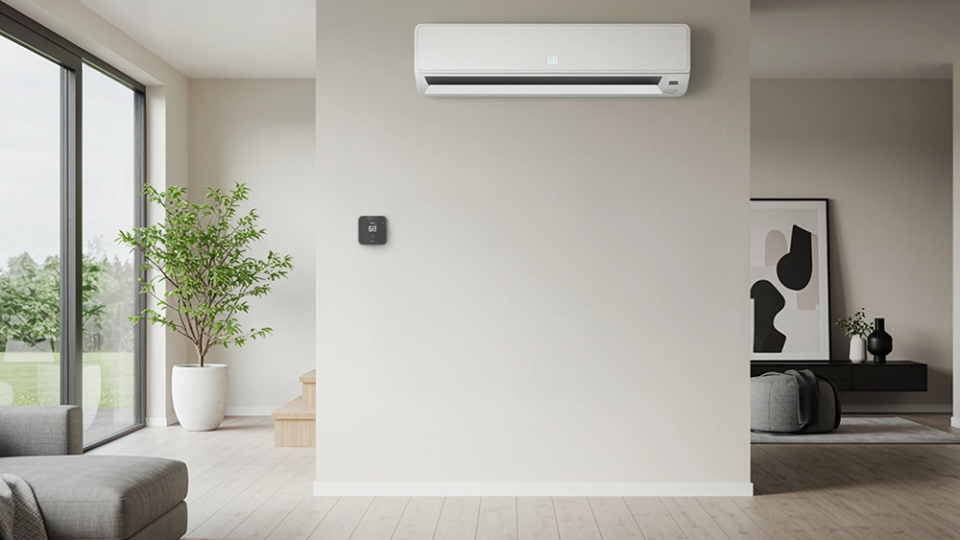
Using a smart thermostat for ductless systems, you can equip your mini-split, window, or portable air conditioner with innovative features that optimize your home climate.
One such amazing feature of Cielo Breez mini-split thermostats is the Comfy mode. Whether it’s keeping the kids cozy or your home perfectly inviting for guests, Comfy mode can automatically maintain your ideal climate at all times.
Here’s how Comfy mode works and why it’s the ultimate hack for effortless home comfort.
What Is Comfy Mode?
Comfy mode helps prevent temperature extremes by maintaining your desired settings based on your set range.
Cielo Breez mini-split thermostats have built-in sensors that detect changes in temperature and humidity. When the room temperature deviates above or below your set range, Comfy mode automatically applies your chosen AC settings, including mode, temperature, and fan speed, to maintain your preferred climate.
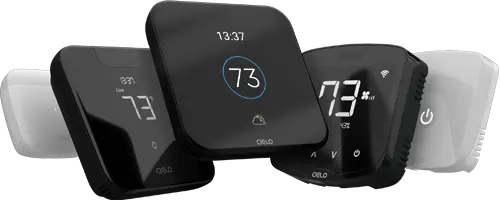
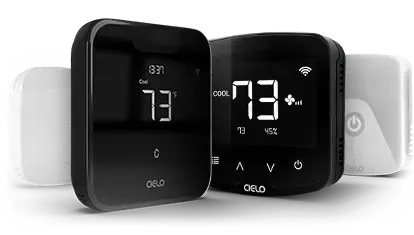
Budget-friendly smart thermostat for central HVAC systems. A thermostat that guarantees savings.
Award-winning smart thermostat for mini-splits. Technology that goes above & beyond.
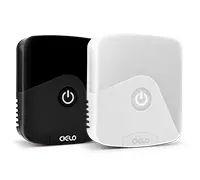
Sleekest smart thermostat for mini-split, window & portable ACs. A design that magically blends.
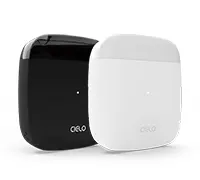
Smart mini-split thermostat that is engineered for affordable comfort. Small in size, big in benefits.
It can be especially useful in some scenarios, such as when:
- You have a lot on your plate, and you want the AC to adjust to your needs without manual input.
- During spring and fall, when the temperature keeps fluctuating throughout the day.
- You have guests coming over, and you do not want the crowd to make the living space stuffy all of a sudden.
- You have plants that need specific temperature and humidity levels to survive.
And much more, depending on your specific needs. Let’s look at how Comfy Mode works in detail:
Comfy Temperature
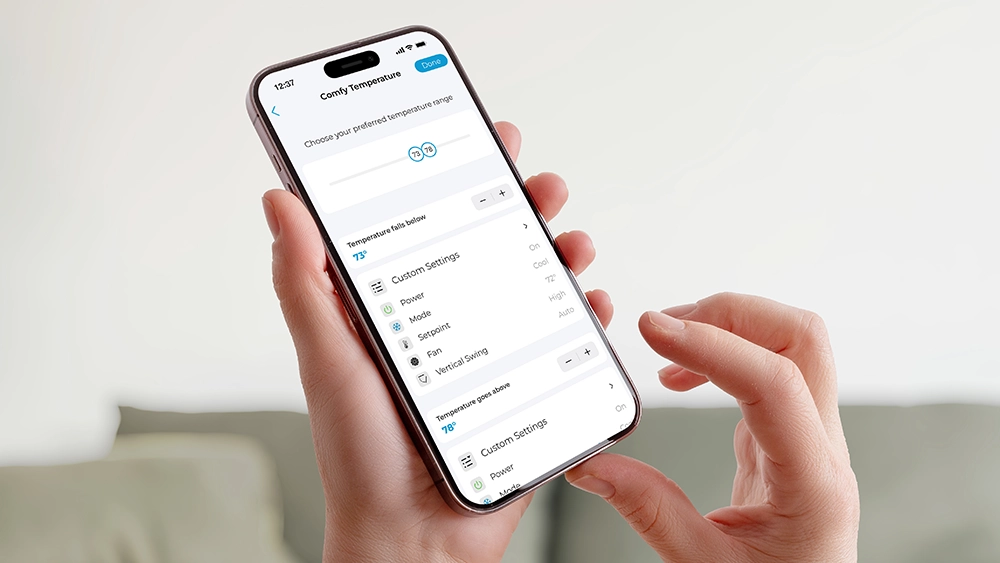
Comfy Mode allows you to set a range of preferred temperatures for your living space. The intelligent triggers ensure this level is maintained at all times without any manual input.
For instance, you want your room temperature to stay between 73- 78°F at all times. As soon as your room temperature falls below 73°F, your aircon will automatically turn off (or switch to fan mode – as per your defined settings). Similarly, when the room temperature goes beyond 78°F, the unit will turn back on. This rule-based setting keeps you comfy all day without having to manually adjust the temperature.
Note: While operating in heat mode, ensure you set the upper-temperature limit to 1 degree below your set point temperature to activate the trigger. For cool mode, set the lower temperature limit to 1 degree higher than your set point temperature.
Benefits of Comfy Temperature
-
Automates temperature adjustments based on your preferences.
-
Maintains your ideal indoor climate without constant manual adjustments.
-
Runs your AC unit only when needed, reducing unnecessary energy use.
Your best choice to make any mini-split, window,
or portable AC smart. Enhance your comfort and savings.
Comfy Humidity
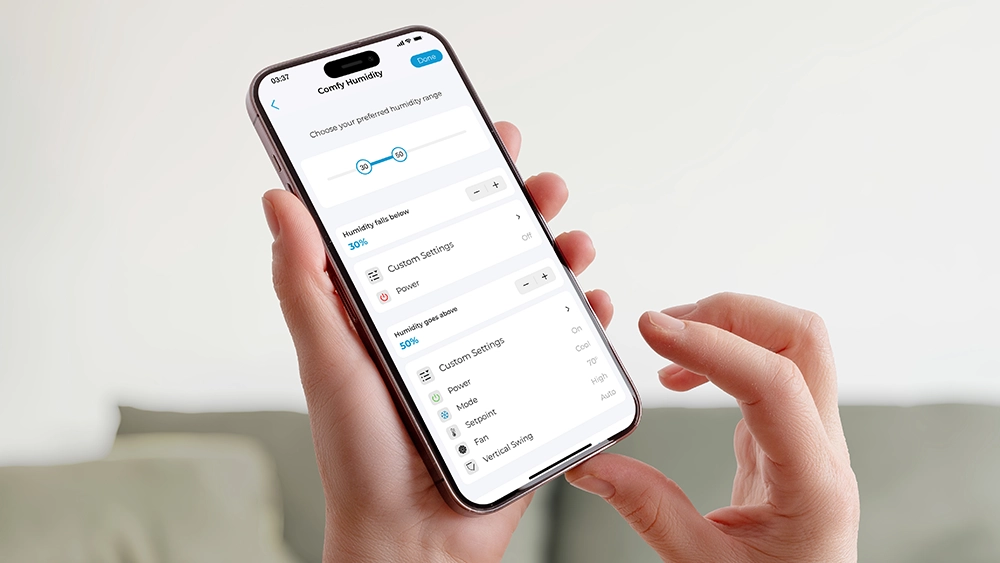
Since humidity plays a significant role in maintaining the home climate, Comfy humidity comes in really handy. It gives you even greater control and flexibility, ensuring your room’s humidity stays at an ideal level. With this super cool yet simplistic feature, you can set your preferred levels, and Comfy humidity will automatically work to maintain them.
Let’s suppose your preferred humidity range is 30-50%. When it falls below 30%, Comfy mode will switch the AC to your desired mode until the humidity range is back in your ideal range. Similarly, if humidity exceeds 50% and you start to feel stickiness in the air, your AC will turn on at your desired temperature and mode.
Note: You are recommended to use the dry mode to reduce humidity levels in your home.
Benefits of Comfy Humidity
- During overly humid conditions, Comfy humidity can help maintain ideal humidity levels.
- Excess moisture in the air can lead to mold growth, musty odors, and damage to furniture or walls. Comfy humidity helps reduce these risks by keeping humidity within a healthy range.
Cielo Breez Comfy Mode – The Perfect Home HVAC Automation Hack
Comfy Mode is specifically designed to prioritize your convenience and cost-efficiency. It makes sure your ductless unit runs only when you need it, cutting unnecessary use and, in turn, reducing costs.
Comfy Templates
You can set multiple comfy templates. This eliminates the need to manually set up and change settings every time. Add your preferred template, such as morning, evening, or night, and switch between them as required.
Link Comfy With Schedules for Added Convenience
Cielo Breez smart thermostats offer daily and weekly schedules that help automate your heating/cooling based on your routine. For best results, link Comfy Mode with your schedules. Once enabled, your AC will automatically make adjustments at your set times to maintain a comfortable environment.
How to Make the Best Out of Comfy Mode?
Cielo Breez Comfy Mode can be used at any time of the day. We’ve listed a few common instances to help you get started.
Taking Care of Kids and the Elderly

Kids and the elderly sometimes can have a hard time getting the hang of technology. You don’t want them fiddling with the remote and messing up the settings. Moreover, you can’t leave the AC running at a specific temperature without being able to control it remotely.
In this case, Comfy Mode comes to your rescue. You can set a comfortable temperature range for your parents or kids at home. Your AC will automatically turn on/off to maintain that temperature range, providing perfect climate conditions for your loved ones.
Getting Sound Sleep
Adults are recommended to get an average of 8 hours of sleep every night. While this has amazing health benefits, it can make up a substantial portion of your electricity bill if you tend to keep your AC running all night.
That said, it doesn’t mean you should disturb your sleep every couple of hours just to adjust the temperature or turn it off or on. Home HVAC automation gadgets like Cielo Breez mini-split thermostats help you get uninterrupted sleep by keeping the temperature comfortable throughout the night.
You can set Comfy Mode before going to sleep and enjoy a sound, peaceful sleep without any temperature-related worries. Another great tip is to link your nighttime Comfy settings with a schedule. Choose your preferred settings once and enjoy an ideal sleeping temperature.
Ultimate Comfort for Your Furry Pals
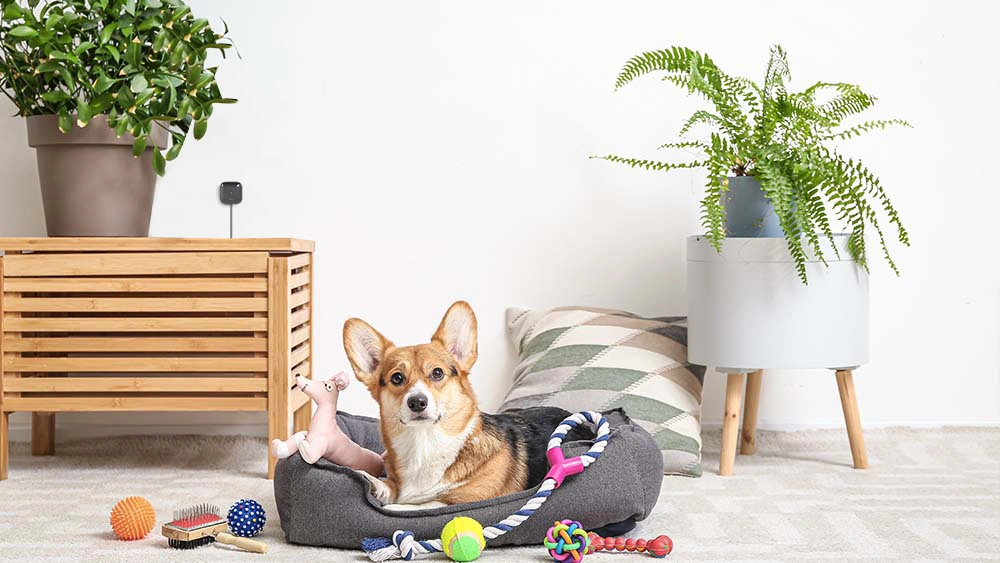
Dogs and cats cannot regulate body temperature the same way humans do, so exposure to extreme heat or cold can quickly become dangerous. A simple rule to remember is this: if your home feels uncomfortably hot or cold to you, it likely feels the same for your furry friends.
Just set the comfortable temperature range as per your pet’s needs, and Comfy mode will take care of the rest!
Wrapping It Up
One way to handle extreme temperature changes is to invest in smart air conditioning. It can be a reasonable alternative, but its installation requires a considerable investment. A more affordable option is to invest in Cielo Breez controllers to convert your regular air conditioners into smart appliances and save up to 25% on your energy costs. With rule-based automation using Comfy, your air conditioning unit will automatically maintain your preferred home climate.