 Cielo
Cielo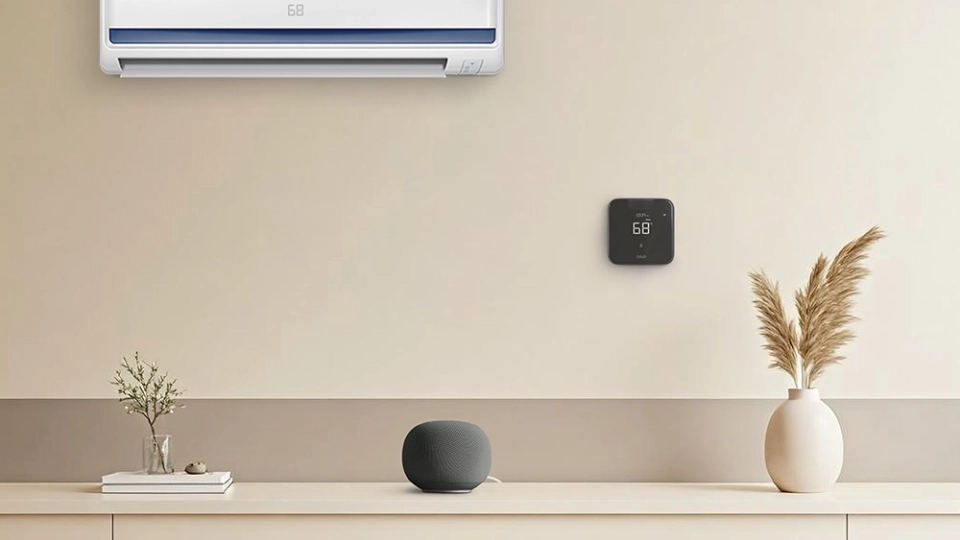
Key Takeaways
- Cielo smart thermostats connect your AC to Google Home, enabling seamless smart home integration.
- Use Google Home to turn your AC on/off, adjust temperature, and switch between modes via voice commands.
- This setup allows you to control your air conditioner hands-free, enhancing comfort and efficiency.
If you’re building a smart home, controlling your AC with Google Home is one upgrade you’ll never regret. Imagine adjusting the temperature without leaving your couch, setting up automated routines that perfectly match your schedule, all in one seamless setup. Voice commands, intelligent automation, and smart routines work together to make your home more comfortable and efficient.
In this guide, we’ll show you how to control your AC with Google Home and set up everything with ease.
How to Link Your Air Conditioner to Google Home
To control your AC with Google Home, you will need either a Google Home-compatible air conditioner or a smart thermostat that supports the Google Assistant.
Smart Air Conditioner
Smart air conditioners are ductless HVAC systems equipped with Wi-Fi connectivity. These systems are fully compatible with smart home platforms like Google Home, allowing you to control, monitor, and automate temperature with voice commands.
However, smart ACs come with limitations. Their built-in smart apps often lack advanced features such as detailed energy insights, humidity automation, and more. Furthermore, they also tend to be more expensive than standard AC models, increasing upfront costs.
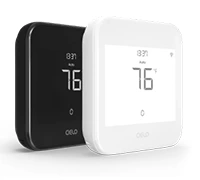
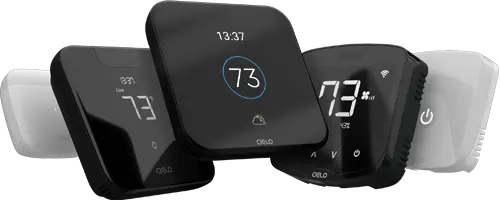
Budget-friendly smart thermostat for central HVAC systems. A thermostat that guarantees savings.
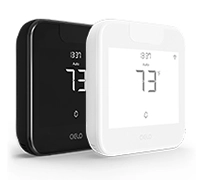
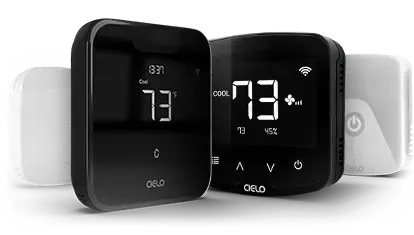
Award-winning smart thermostat for mini-splits. Technology that goes above & beyond.
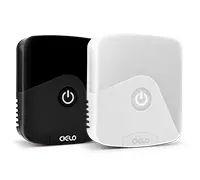
Sleekest smart thermostat for mini-split, window & portable ACs. A design that magically blends.
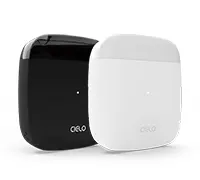
Smart mini-split thermostat that is engineered for affordable comfort. Small in size, big in benefits.
Smart Thermostats for Mini-Splits
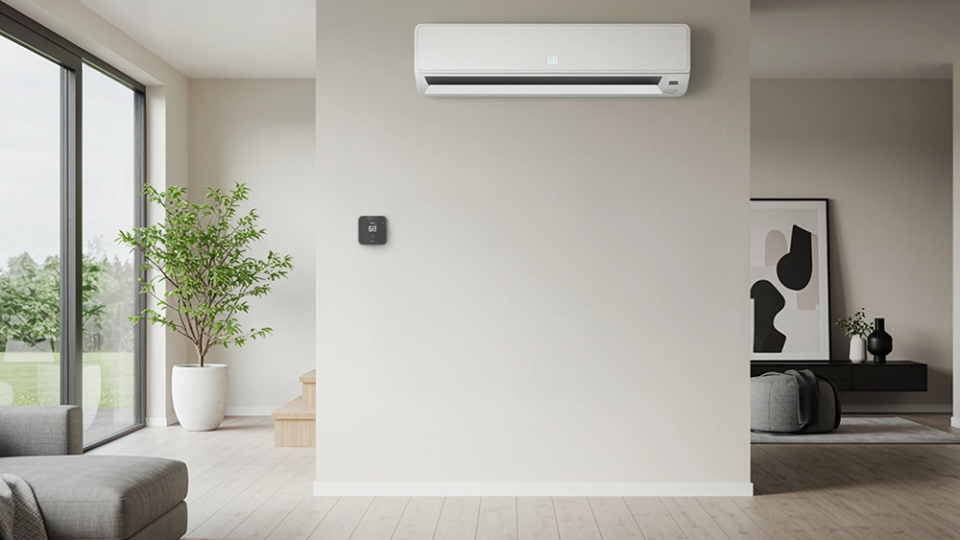
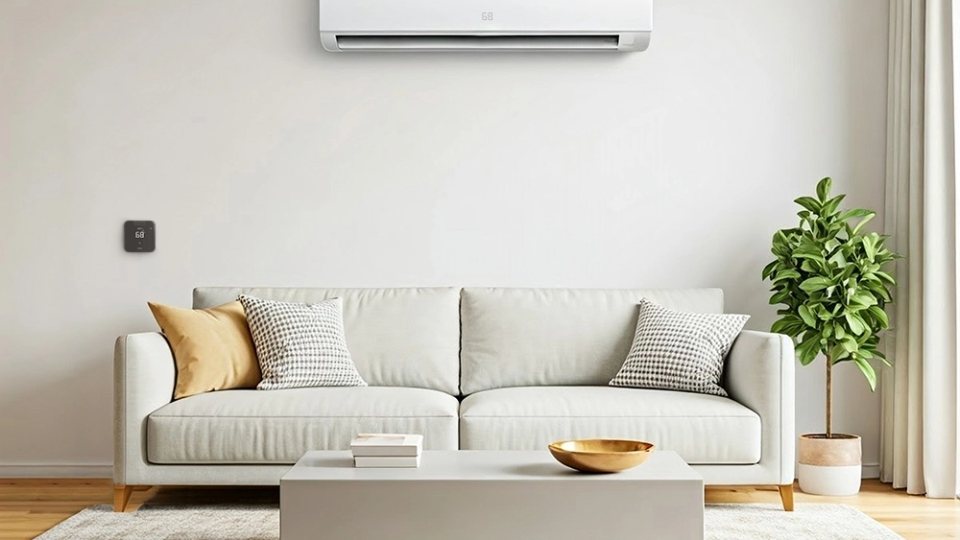
If your ductless air conditioner isn’t Wi-Fi-enabled, you can still make it smart with a smart thermostat for mini-splits. Cielo smart thermostats for mini-splits are a perfect pocket-friendly solution to make your existing air conditioner smart. The thermostat is packed with next-gen features for ultimate home climate and works seamlessly with leading smart home ecosystems, including Google Home. Just connect your mini-splits, window, or portable units to the Cielo mini-split thermostat and experience smart air conditioning in a breeze.
Your best choice to make any mini-split, window,
or portable AC smart. Enhance your comfort and savings.
Smart Thermostats for Central HVAC Systems
For homes with central air conditioning, a smart thermostat takes comfort, convenience, and energy efficiency to the next level. Beyond controlling temperature from anywhere via an app, most models seamlessly integrate with other smart home devices, including Google Home, giving you complete control over your home environment.
Equip your HVAC system with smart features and achieve the perfect balance between comfort & savings.
Learn more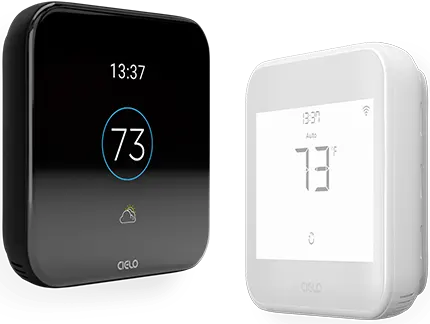
Controlling Your Air Conditioner With Google Assistant Using Cielo Smart Thermostats
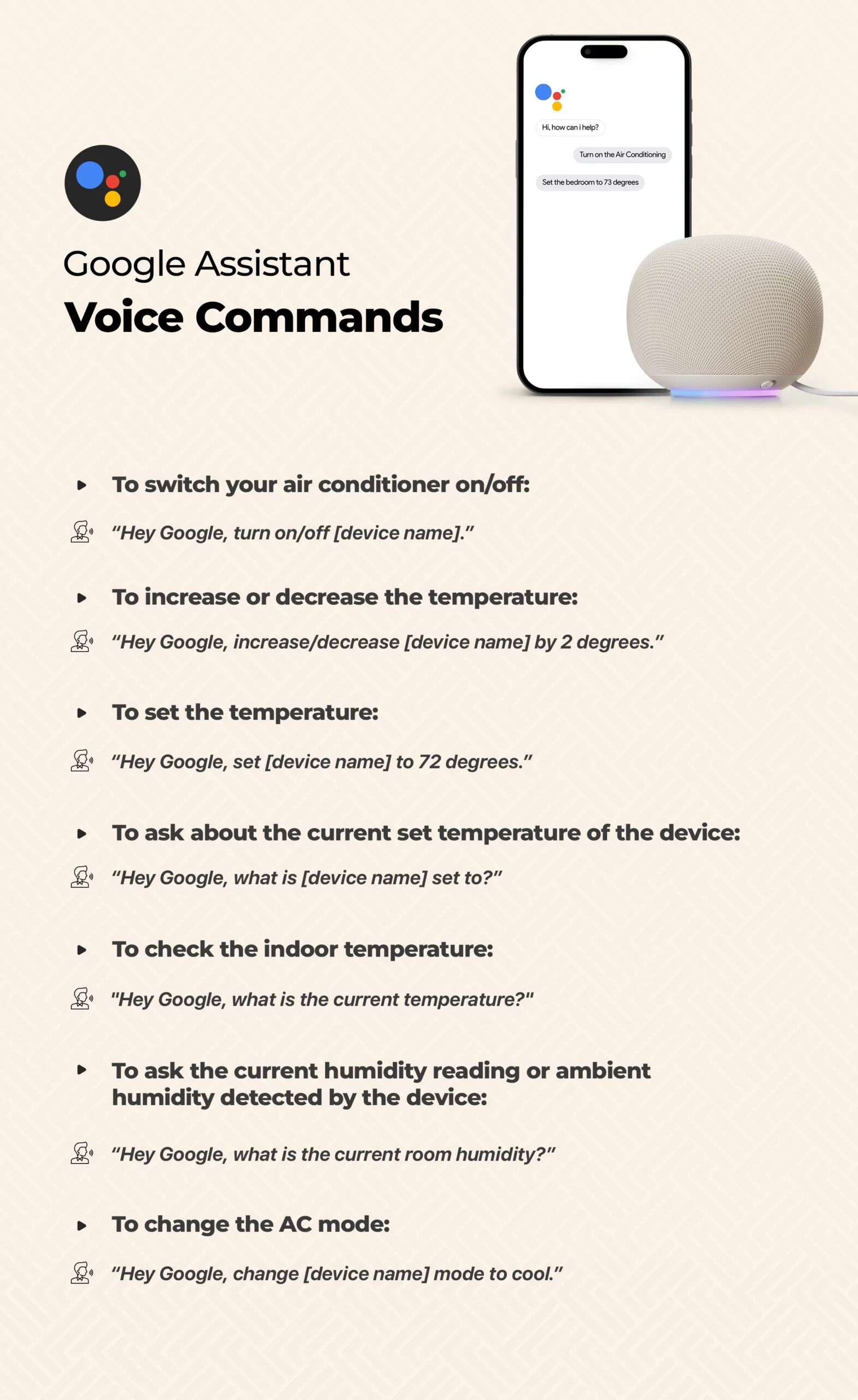
To configure your Cielo smart thermostat with Google, start by logging into the Google Home app and creating a Home (if you haven’t already). Then, select ‘Add device’, select ‘Works with Google Home,’ and search for ‘Cielo Home’ to link your account. After signing in, choose your Cielo device and assign it to a room, giving it a custom name if desired. Once added, you can control your air conditioner with voice commands, including adjusting the temperature, changing modes, and more.
Setting Up Routines with Google Home
A Google Home Routine is an automation feature in the Google Home app that lets users run multiple actions across connected smart devices with a single command or trigger. Instead of controlling each device individually, you can group several tasks, such as turning on the lights, adjusting the thermostat settings, or playing music, into one seamless sequence.
In Conclusion
By integrating your air conditioner with Google Home, you can control your home climate with just your voice. Additionally, you can set up personalized routines to automatically adjust your AC based on your daily schedule and preferences. Combine it with other smart devices, such as lights, fans, or blinds, to create a fully automated environment.
1 Comment. Leave new
In most cases, air conditioners are simply rented out to people whose homes they’re in, but in some cases they’re bought by individuals who own them outright.